FFXIV Registration Instructions - Onion Helm |
The following are instructions for entering the registration code for the Onion Helm in-game item. I found the information online and in the booklet not so informative, so I decided to help out with some screenshots. |
1. Go to Square-Enix Account Management Page and log in. |
If you don't use a security token, ignore the "One-time Password" box. If you don't have a Square-Enix Account, you will need to sign up for one. |
2. On the left-side, near the bottom, click "Select Service." 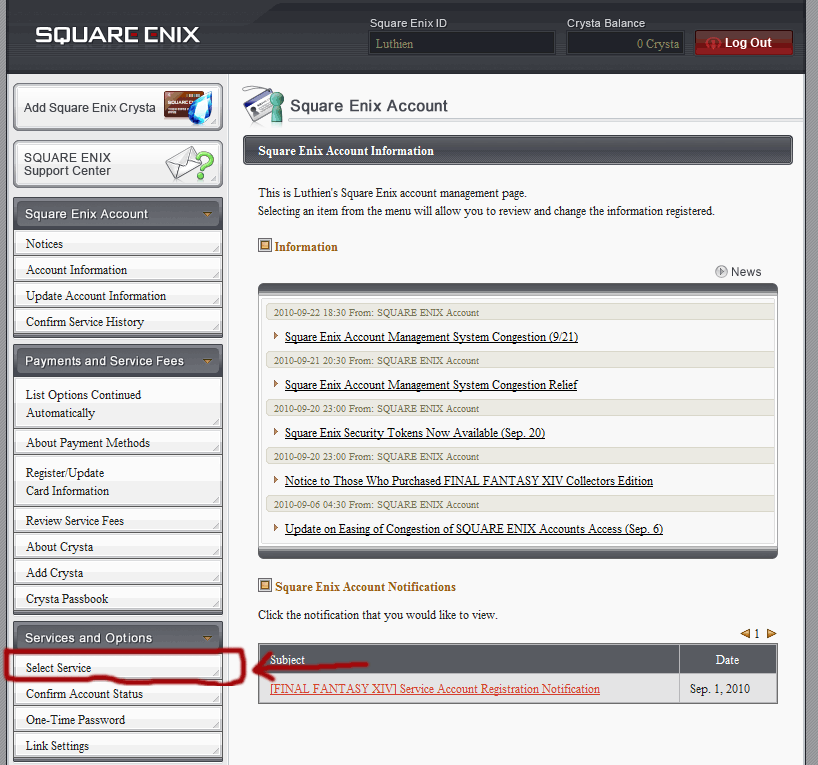 |
3. Next you will see the screenshot below, where the FFXIV account you have already registered is listed. Choose "Add a Service Account" 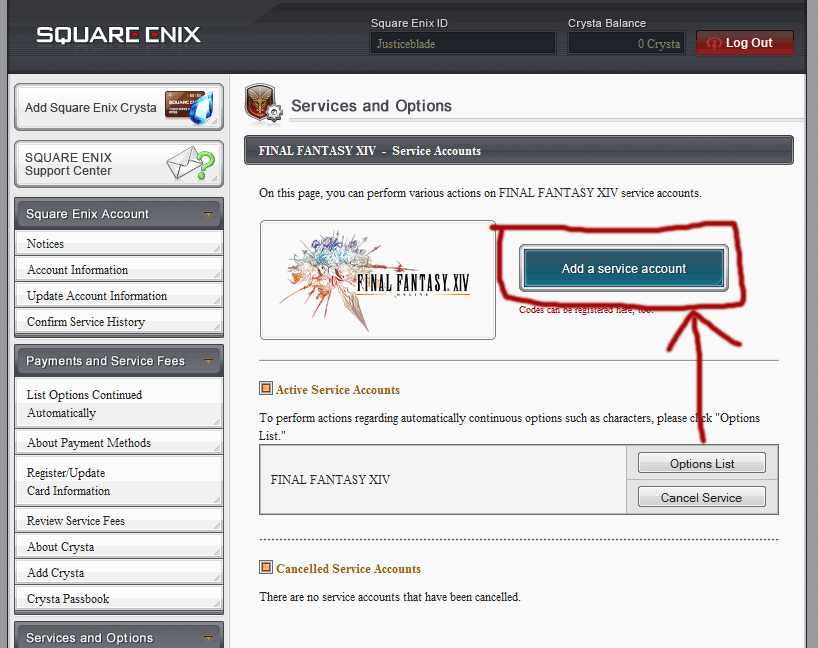 |
4. Next, find the registration card that came with your CE version, which will look something like this: 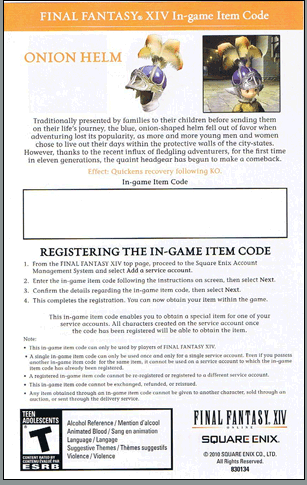 |
5. You will see the following screen next: 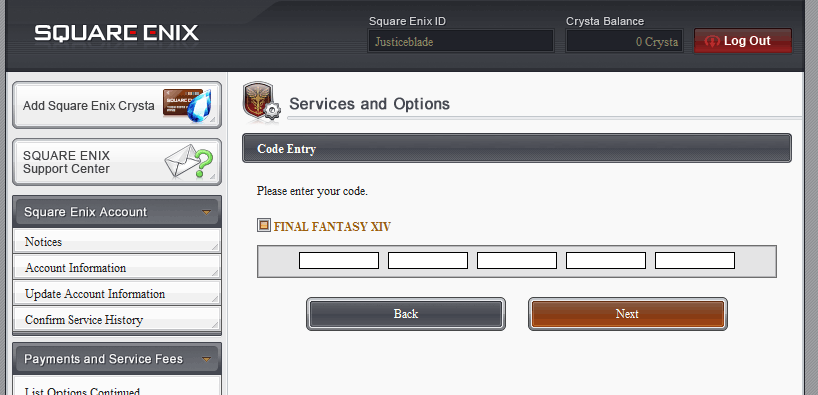 Enter the code from the registration card in the boxes and click "Next." |
6. Confirm the service account you are adding the registration code to: 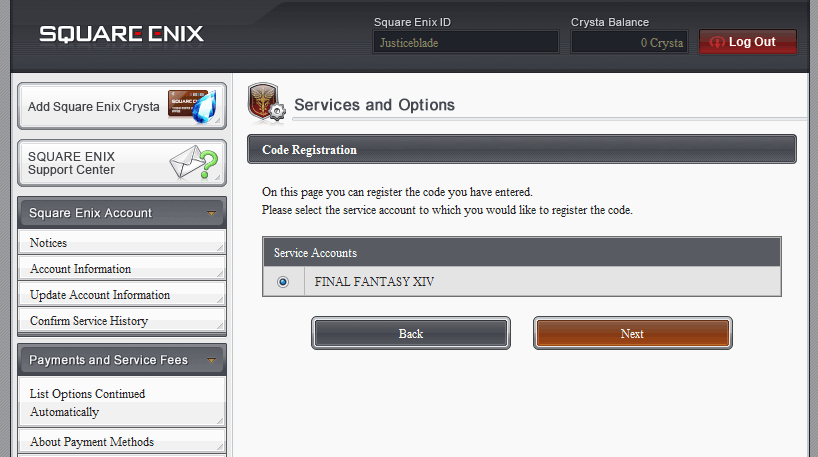 |
7. Confirm again by clicking "Register:" 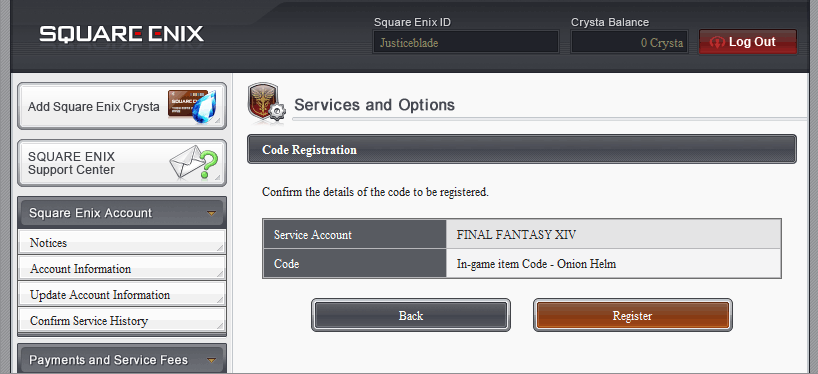 |
8. You should then see the following confirmation screen: 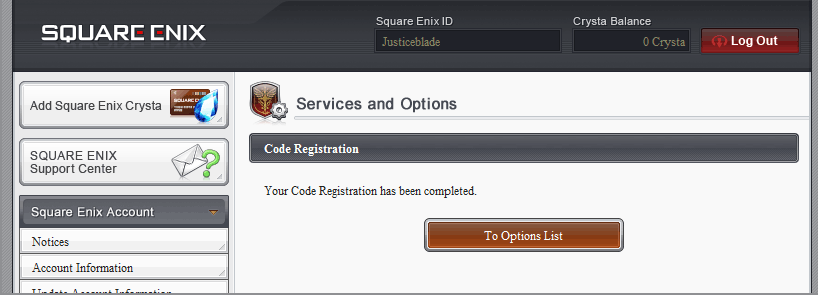 If you click "View Options," you will see the in-game item listed. |