FFXIV Registration Instructions |
The following are instructions for the registration process. I found the information online and in the booklet not so informative, so I decided to help out with some screenshots. |
1. Go to Square-Enix Account Management Page and log in. |
If you don't use a security token, ignore the "One-time Password" box. If you don't have a Square-Enix Account, you will need to sign up for one. |
2. On the left-side, near the bottom, click "Select Service." 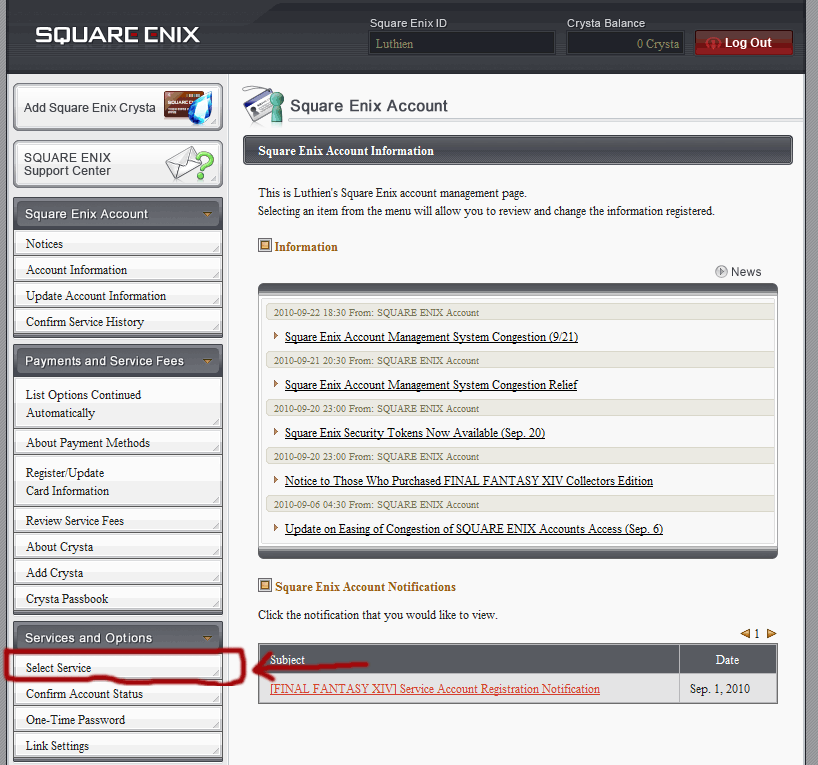 |
3. Next you will see the screenshot below. Choose either the graphical representation or the words "Final Fantasy XIV." It does not matter which you click.  |
4. Next, choose "Add a Service Account"  |
5. You will see the following screen next: 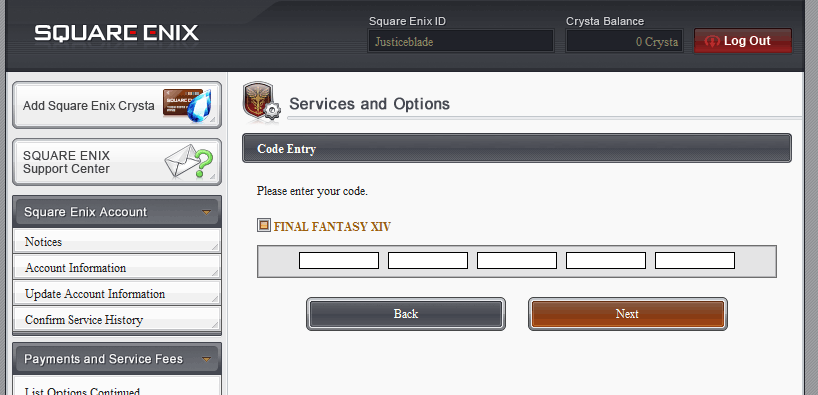 Find the booklet that came with the game and look on the back of it:   The registration code will be in the box with a black border on the back. |
6. After entering the registration code and clicking "Next," you will be presented with the user agreement: 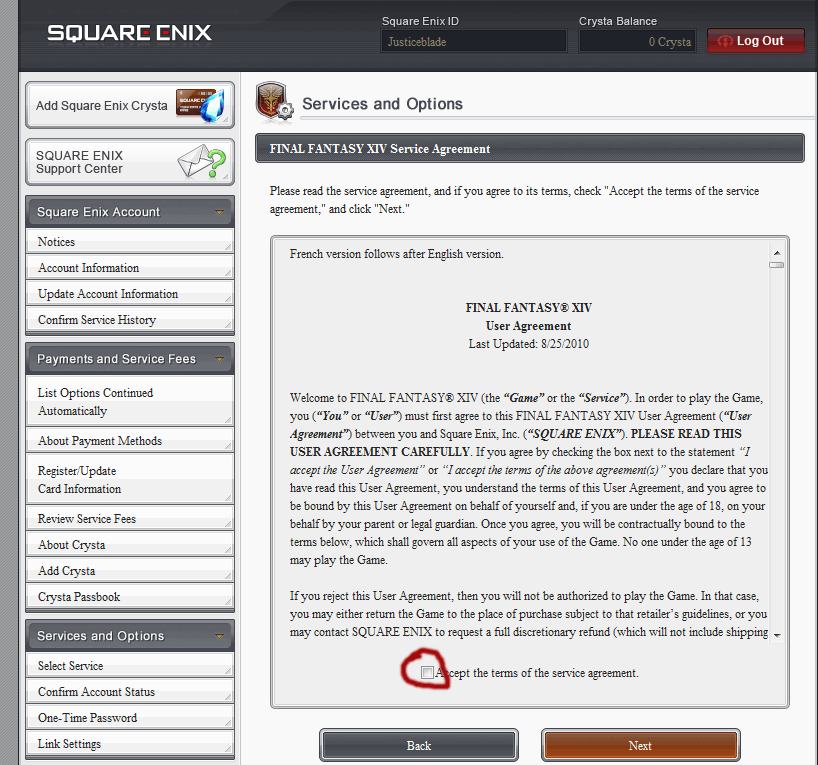 |
Be sure to check the box that you agree and click "Next." |
7. Next, you will need to confirm the service you are activating. This screen will have one extra option. Especially if you think you may want to transfer your character name from your beta account, be sure to select that account instead of a "new" account. I apologize, but I forgot to screenshot my options when I registered my account. 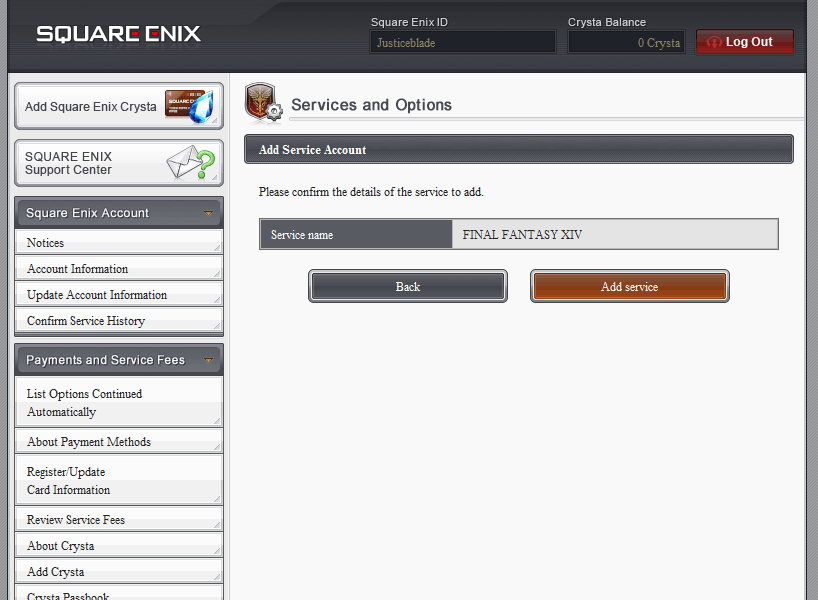 |
8. Last, you may see this screen, with this warning:  I am still downloading the initial update, so I do not know if you have to do anything from here. I know you do have to have selected a payment method, which I have already done. I'll try to update this if another step is required. |
| If you got the Collector's Edition and want info on how to register for your Onion Helm, click here. Be sure to do this before creating a character. |